💡 Project Overview
“AI Character Chat Service used by 23k people”
aira is a chat application that allows users to converse freely with various AI characters. As a Co-Founder and Frontend Lead, I led the entire process from planning to product launch and achieving 23k MAU (Monthly Active Users).
I focused on designing a combined Local-Server architecture to prevent data loss and meticulously optimizing rendering performance to provide a seamless chat experience even on low-end devices.
🛠 Tech Stack
- Core: React Native, Expo, TypeScript
- Data & State: React Query, Firebase
- Performance: Flashlist, React Compiler, MMKV
- Legacy & R&D: Realm (Local DB), llama.rn (On-device AI)
💻 Key Technical Challenges
1. Supporting App and Web with a Single Codebase (Cross-Platform)
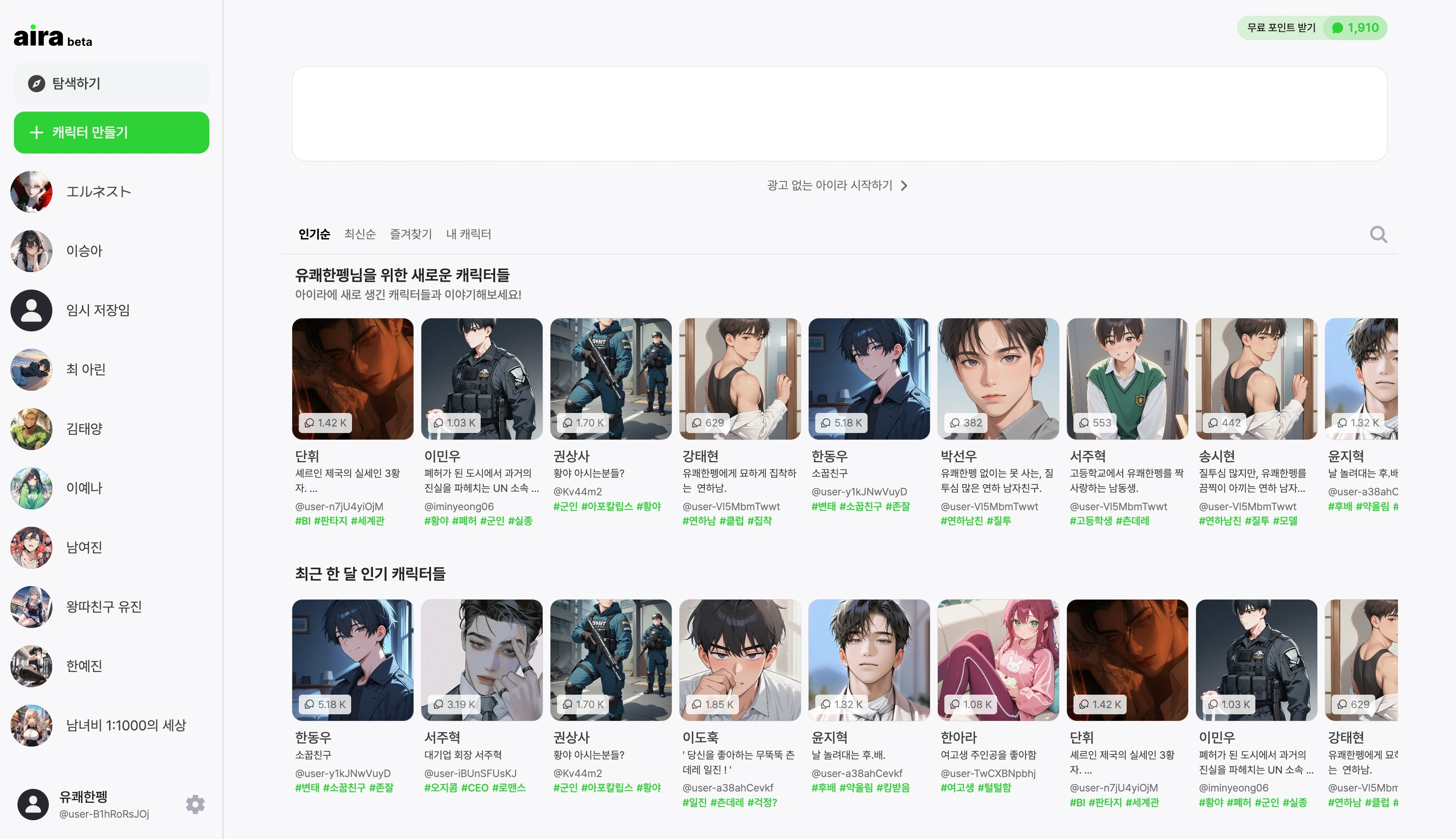
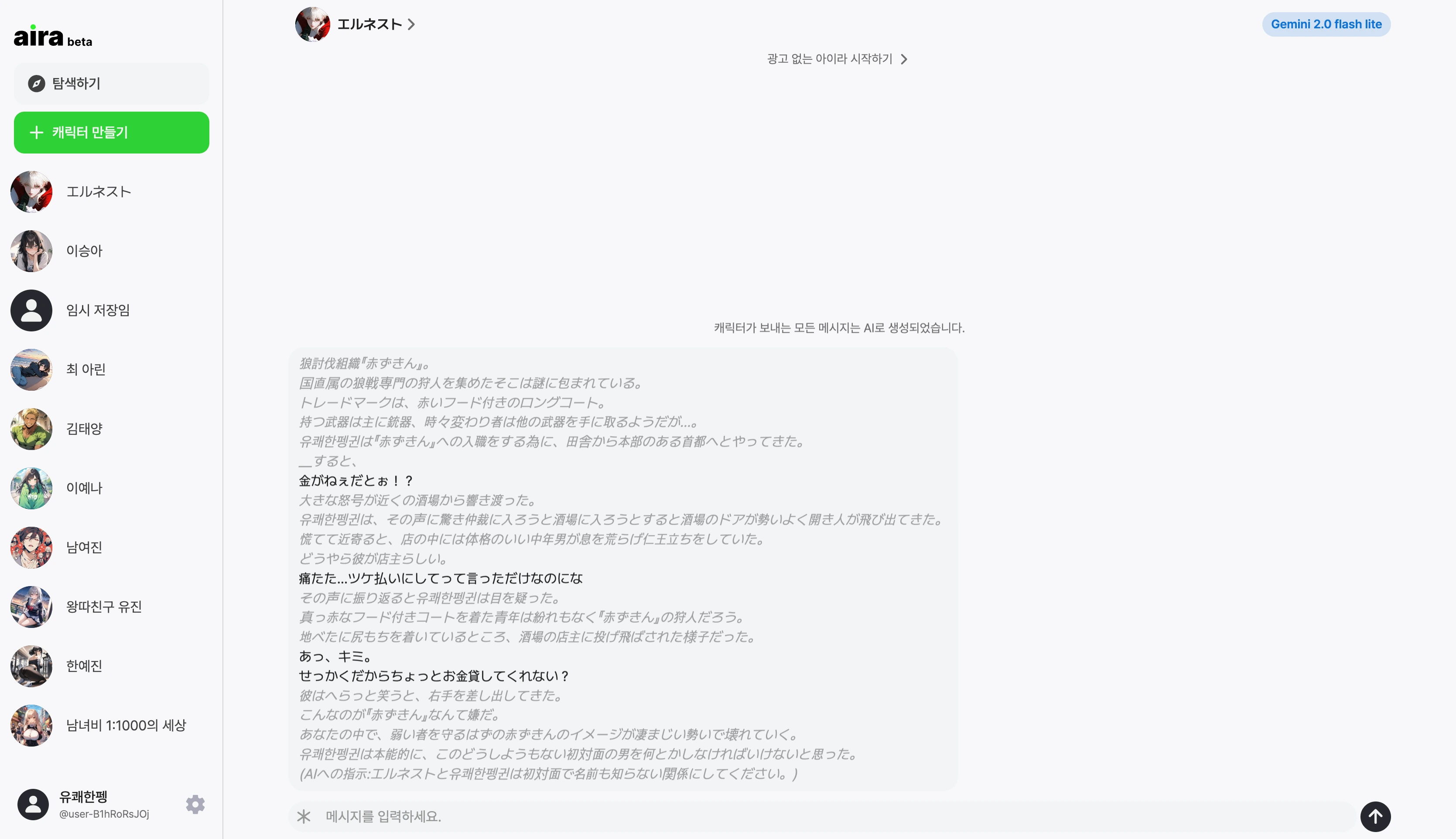
To manage resources efficiently, I built a structure supporting Android, iOS apps, and Web pages from a single codebase based on Expo Router.
- Universal Link: Connected links so that clicking them on the web naturally opens the app, providing a boundary-less user experience across platforms.
- Platform Specific Code: Shared business logic while separating only the parts where UI details need to differ into platform-specific files (
*.ios.ts,*.web.ts) to increase maintenance efficiency.
2. Architecture Migration due to Privacy Policy Change
Initially, I adopted a Local Model (On-device) utilizing Realm DB to prioritize user privacy by not storing chat contents on the server. However, limitations in the local model’s performance necessitated the introduction of a Server Model to provide smarter responses, leading to a policy change to store data on the server. I implemented migration logic to transfer existing local data stored in Realm to Firestore upon app update, handling the transition to the cloud environment naturally without user data loss.
3. Improving Initial Loading Experience
I judged that showing a loading spinner or a blank screen every time the app launches is a poor user experience. I integrated React Query Persister with MMKV to instantly display previously cached data upon app launch without waiting for network requests. This allowed users to naturally view their previous chat history immediately upon entering the app.
4. Introducing React Compiler and Code Simplification
I introduced React Compiler to remove the excessive use of useMemo and useCallback for complex chat UI performance and to keep the code concise.
I relied on the compiler for most optimizations to maintain highly readable code, while manually optimizing specific logic where fine-grained control was necessary or where the compiler might miss, balancing performance and productivity.
5. Optimizing Rendering Performance for Large Datasets

The challenge was to smoothly display tens of thousands of chat logs mixed with images and text on low-end devices.
- Flashlist (View Recycling): The existing
FlatListcaused frame drops by constantly creating/destroying components during scrolling. I introducedFlashlist, which recycles views, to significantly reduce JS thread load and achieve 60fps smooth scrolling. - Cursor-based Pagination: Applied
useInfiniteQueryand cursor-based pagination to efficiently load and manage large volumes of chat history without slowing down retrieval speeds as data grows.
6. UX-Friendly Advertising (Native Ads)

I needed to introduce ads for monetization but didn’t want to disrupt the chat experience. I directly designed and applied a Native Ads format where only the ‘AD’ tag and title are displayed in a thin line at the top of the chat screen. This implementation minimized screen space usage and blended seamlessly with the content without feeling out of place.
🧪 V2 R&D: Next-Gen Interface Experiment
For service enhancement, I developed a V2 version implementing a new interface maximizing user immersion, breaking the mold of traditional chat apps. (※ Although not officially released due to business reasons, the features were verified during the development phase.)
Shorts-style Navigation & iOS 26 Liquid Glass
I introduced a Full-screen Swipe UI so users can enjoy characters like content.
- Immersive UX Design: Designed a natural flow where users can browse characters by swiping up and down, and if they like one, start chatting immediately without screen transitions.
- Adopting iOS 26 Liquid Glass: Directly applied the new Liquid Glass introduced in iOS 26 via
UIGlassView. I called system native APIs without heavy JS-based graphic computations, maximizing battery efficiency while following the latest iOS system design.
💬 Retrospective: “The Essence of Engineering Learned in a Startup”
1. The Boundary of Over-Engineering
Ideally, I thought writing perfect code was always best. However, running a startup taught me that “excessive technical investment in unverified features can be a business risk.” I acquired a flexible engineering mindset, not giving up on code quality, but strategically deciding the allowable range of technical debt according to the service’s growth stage (MVP vs. Scale-up) and focusing on verifying core values.
2. Understanding Business Models and Cost Structures
AI services have high cost structures (GPU/API costs). On the other hand, ad-based B2C models had limitations in increasing revenue per user (ARPU). I realized that even technically superior services are hard to sustain without a solid Business Model to cover high operating costs. Through this, I deeply understood that developers must consider cost efficiency and revenue structure beyond just technical implementation.